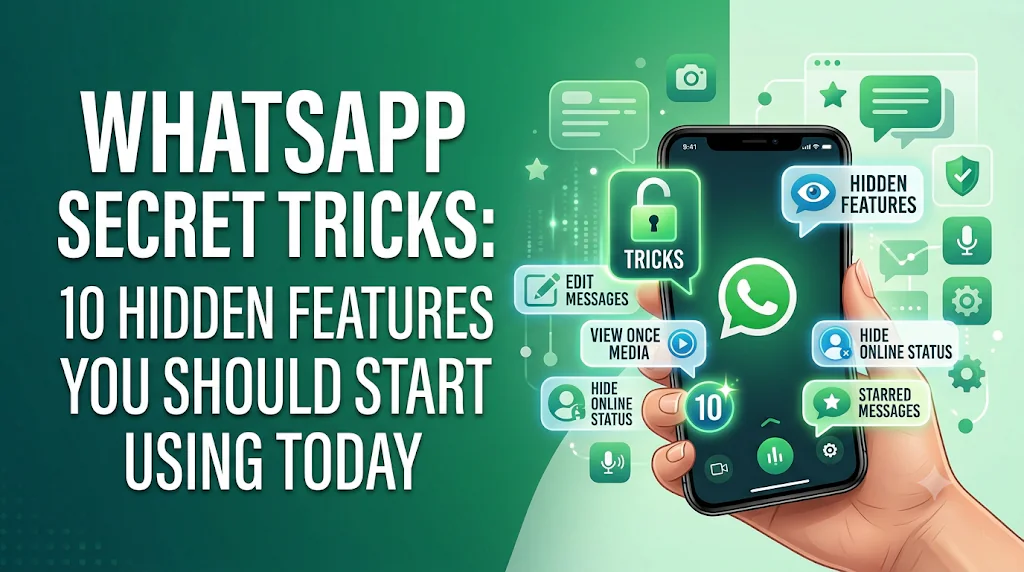
WhatsApp Secret Tricks: 10 Hidden Features You Should Start Using Today
WhatsApp is one of the most popular and advance messaging apps in over the world, with billions of active users. Many people use it daily to chat with friends family relatives, share photos and video’s , make voice and video calls, and stay connected with family. But surprisingly, many users only use a small portion of what WhatsApp can actually do.
If you are want to improve your privacy, make your chats better, or known about some hidden features that make messaging easier, this guide is for you.
In this article, you’ll learn WhatsApp’s best-kept secret tricks that will help you use the app more efficiently while protecting your personal information.
Why Learn WhatsApp Secret Tricks?
Most of useful WhatsApp features are hidden inside the settings menu bar , so they are easy to miss. By learning these tricks, you can:
Improve your privacy
Save time while chatting
Organize conversations
Protect important messages
Manage storage more efficiently
Get more out of the app without installing extra tools
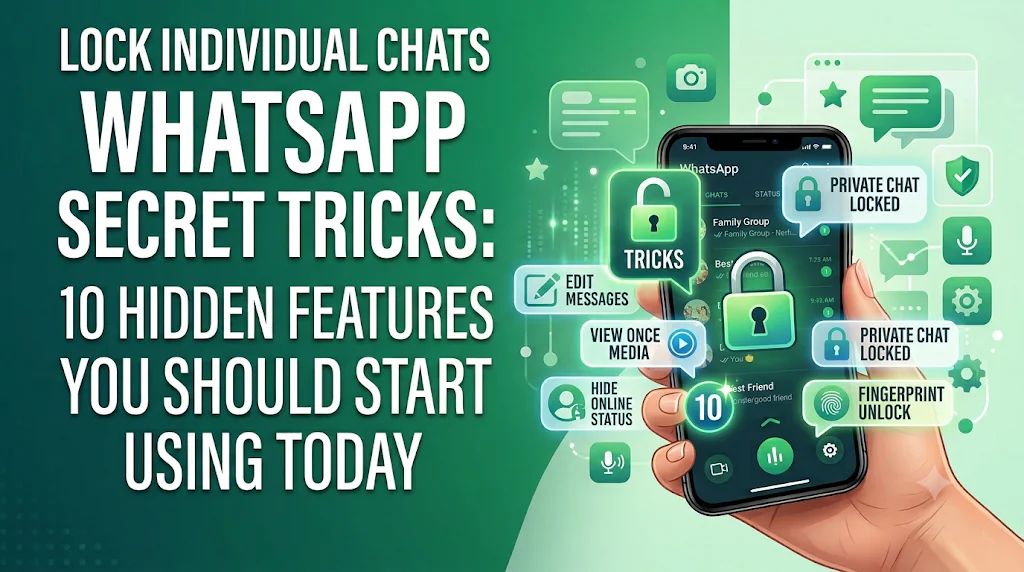
1. Lock Individual Chats
If you want to keep some specific conversations private, use WhatsApp’s Chat Lock feature.
Benefits
Protect those chats that are sensitive.
Unlock the chat with your fingerprint or face recognition (available on some supported devices).
Keep the private conversations separate from daily routine chats.
This is especially useful if someone occasionally share your phone with family or friends.
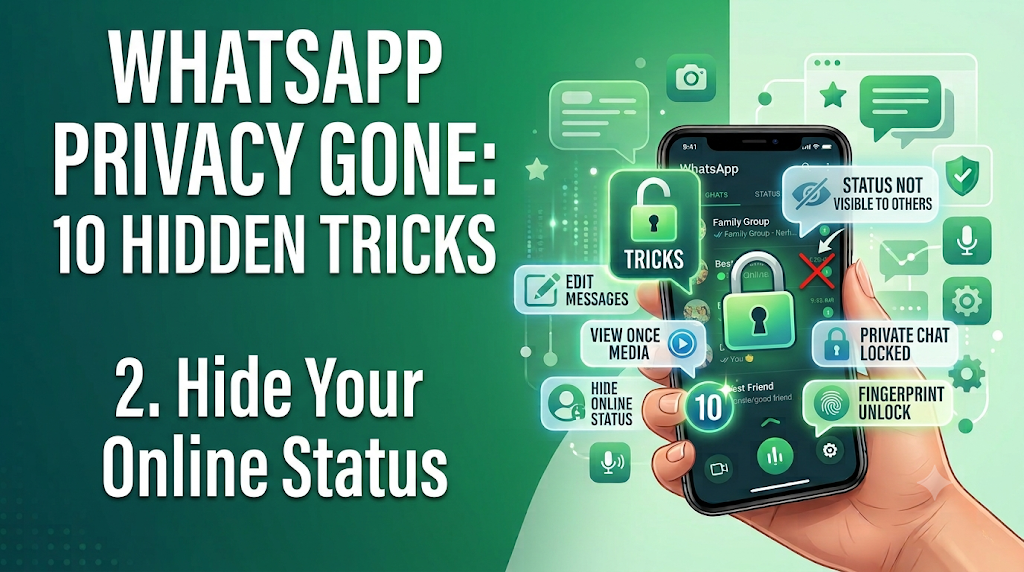
2. Hide Your Online Status
If you Don’t want everyone to know you’re online?
WhatsApp allows you to control who can see feature :
Last Seen
Online Status
Profile Photo
About
Status Updates
Many of these settings can be selected from Everyone, My Contacts, Selected Contacts, or Everyone.
3. Pin Important Chats
If you daily message specific people, pin their conversations to the top of your chat list.
This feature saves time because you there is no need to search for the same chats repeatedly.
Great for:
Family
Close friends
Work colleagues
Important clients
4. Search Messages Quickly
Use WhatsApp’s built-in search feature if you want to search something with this feature there is no need to scroll through hundreds of messages.
You can search by:
Keywords
Photos
Videos
Documents
Links
Voice messages
Finding old conversations becomes very easier.
5. Star Important Messages
Have you ever received an password hint, address, meeting time, or important note that you’ll need later?
Instead of forwarding it to yourself, simply Star the message. It make the much easier finding specific messages.
Whenever you need them. You can view all starred messages in one place
WhatsApp now introduce you share photos in higher much better quality than before.
While sending images, choose the available HD option (if supported on your version) to preserve more detail.
This is useful for:
Travel photos
Work documents
Product images
School projects
7. Create Polls in Groups
Group chats can become chaotic if everyone has different opinions.
Create a survey instead of asking everyone to respond individually.
Polls are useful for:
Meeting schedules
Event planning
Family decisions
Team discussions
8. Use Disappearing Messages
If someone Want chats to clean themselves up automatically?
Enable disappearing messages option from whatsapp setting so new messages are deleted after a chosen period.
This feature is useful for conversations that do not necessarily need to remain in chat history permanently.
9. Manage Storage Easily
While using the Over time, WhatsApp can use a lot of phone storage.
Go to Storage and Data settings to:
Delete large files
Remove duplicate media
Clear unwanted videos
Free up storage safely
Regular cleanup storage and data keeps your phone running smoothly.
9.1 Use Multiple Devices
You can now use WhatsApp on multiple linked devices without needing your phone to stay connected all the time.
This makes it easier to switch between your phone and computer while working or studying.
10. Backup Your Chats
Your conversations may include important memories or work-related information.
Back up your chats regularly so you can restore them if you change your phone or reinstall WhatsApp.
Tips to Use WhatsApp More Safely
To keep your account secure:
Enable the Two-Step Verification feature
Never share your verification code anyone
Review linked devices on daily basis .
Keep WhatsApp updated when ever the update needed.
Be alerts of suspicious links and unknown contacts.
Good security habits can help protect your account from fraud and unauthorized access.
Common Mistakes to Avoid
Many users unknowingly reduce their privacy by:
Using weak security settings.
Ignoring app updates.
Leaving backups unsecured.
Sharing personal and sensitive information with strangers.
Clicking suspicious links this activity is harmful for your personal data.
A some simple precautions can make a big difference. and improve our data.
Frequently Asked Questions (FAQs)
Are these WhatsApp secret tricks free?
Yes. These features are built into WhatsApp and are available at no additional cost.
How do I get the latest WhatsApp features?
Update WhatsApp through your phone’s official app store to access the newest features and security updates.
Can I hide my online status?
yes. WhatsApp lets you control who can see your online status and last connections through your privacy settings.
Is Chat Lock secure?
Yes. Chat Lock uses conversation more secure.
Why can’t I see some features?
Feature availability may vary by WhatsApp version, operating system, device model, or region. Updating the app often resolves this issue.
Conclusion
Learning these secret WhatsApp tricks can help you use the app more efficiently while improving your privacy and productivity. Small changes, like organizing chats, managing storage, controlling your online visibility, and enabling security features, can make a noticeable difference in your daily email experience.
From time to time, explore the settings menu, keep the app updated and use the features that best suit your needs. As WhatsApp evolves, you can get the most out of the app by familiarizing yourself with the latest tools.










Pingback: Fiverr Complete Guide for Beginners (2026) Start Freelancing