
Finding the Best Budget Laptop for Students can feel difficult . With so many type of brands, models, and specifications available in the market , it’s easy to spend more payment than necessary or end up with a laptop that doesn’t meet your needs.
The good news is that you don’t need an expensive laptop to study effectively. Whether you’re attending online classes, creating presentations, writing assignments, programming, editing documents, or watching educational videos, there are many affordable laptops that deliver good performance.
In this guide, we’ll explain briefly everything you need to know before buying a student laptop, recommend the best budget options, and help you avoid any common mistakes.
Why Students Need a Good Budget Laptop
A laptop has become one of the most important study tools. With the help of laptop you can perform daily task easily. Students use laptops for:
- Online classes
- Research projects
- Microsoft Office
- Google Docs
- Zoom meetings
- Programming
- Graphic designing (basic)
- Watching lectures
- Assignments
- Freelancing
- Entertainments
Buying the Best Budget Laptop for Students means searching the right balance between performance, battery life, working and price.
What to Look for Before Buying
1. Processor
The processor determines your laptop’s speed. Processor is the main part of any laptop
Recommended:
Intel Core i3 (12th or 13th Gen)
AMD Ryzen 3
Intel Core i5
Better Option
AMD Ryzen 5
Avoid
Intel Celeron
Pentium
unless your budget is extremely limited.
2. RAM
Today’s students should never buy a laptop with less than More Ram gives good performance .
- Minimum: 8GB RAM
- Recommended: 16GB RAM
More RAM means smoother multitasking.
3. Storage
Choose SSD instead of HDD. SSD is the best and good option as compared to HDD.
Recommended:
- 256GB SSD
- 512GB SSD
SSD makes Windows boot faster and applications open quickly.
4. Display
Look for:
- Full HD (1920×1080)
- IPS Panel
- Anti-glare display
This reduces eye strain during long study sessions.
5. Battery Life
A student laptop should offer . For choose the right brand give the good battery backup.
- 7–10 Hours Battery Backup
This is enough for college or university classes.
Best Budget Laptop for Students (Comparison Table)
| Laptop | Processor | RAM | Storage | Best For |
|---|---|---|---|---|
| Acer Aspire Lite | Ryzen 5 | 8GB | 512GB SSD | Overall Best |
| ASUS Vivobook Go | Ryzen 3 | 8GB | 512GB SSD | Everyday Study |
| Lenovo IdeaPad Slim 3 | Core i3 | 8GB | 512GB SSD | Office & School |
| HP 15s | Ryzen 5 | 8GB | 512GB SSD | Programming |
| Dell Inspiron 3520 | Core i5 | 8GB | 512GB SSD | Long-Term Use |
Related articles
https://techsolutionspot.com/samsung-galaxy-a36-review/ https://techsolutionspot.com/how-to-speed-up-windows-11-without-software/
https://techsolutionspot.com/best-free-pdf-editors-2026/
1. Acer Aspire Lite
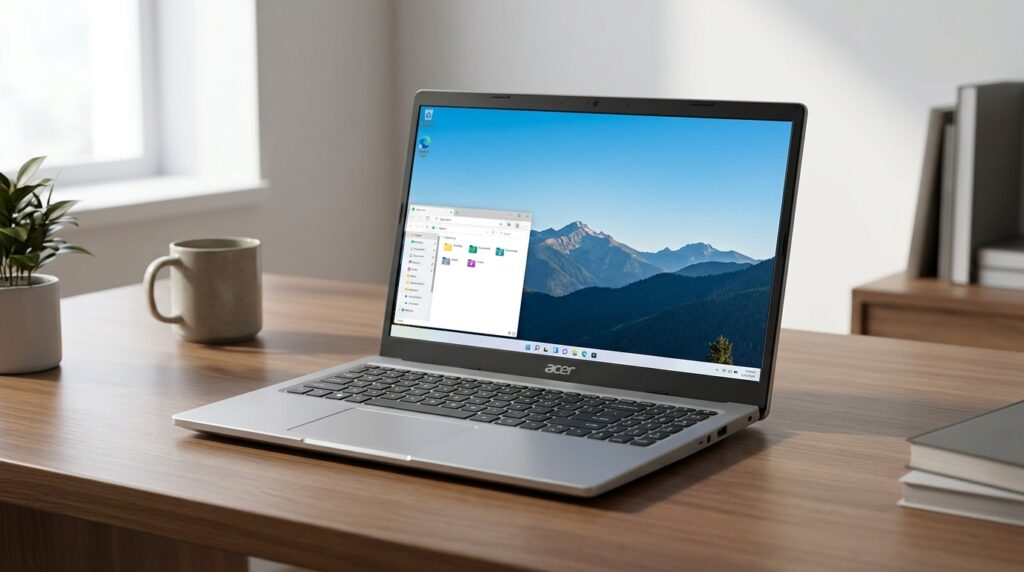
Pros
✔ Excellent Performance
✔ Lightweight
✔ Fast SSD
✔ Good Display
Cons
✖ Speakers could be better
Best for:
Students looking for the best value.
2. ASUS Vivobook Go
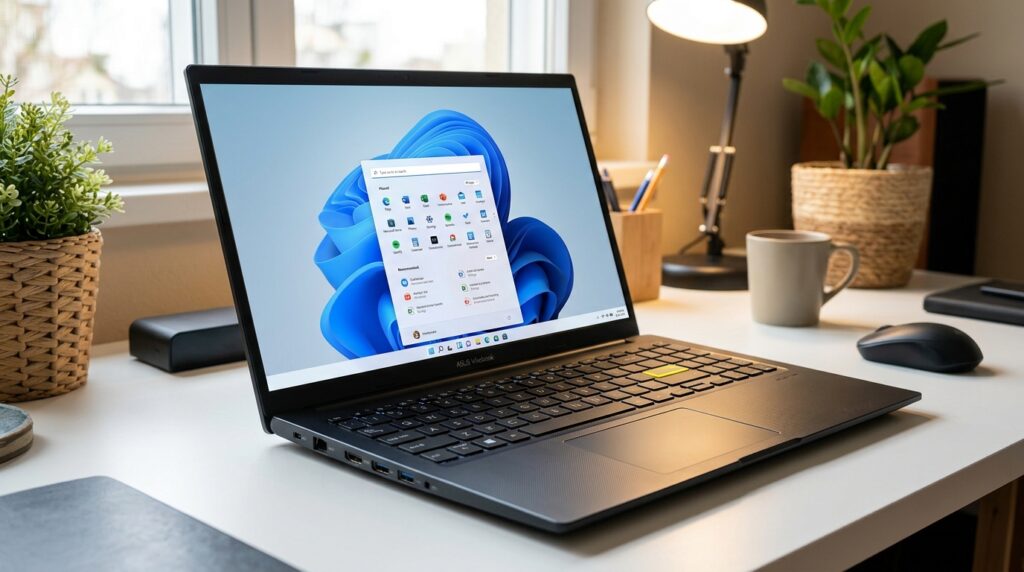
The ASUS Vivobook Go is ideal for school and college students. Asus is very famous brand and trusted brand.
Highlights:
- Lightweight
- Good Battery
- Full HD Display
- Quiet Keyboard
Perfect for:
Assignments, presentations, browsing, online classes.
3. Lenovo IdeaPad Slim 3
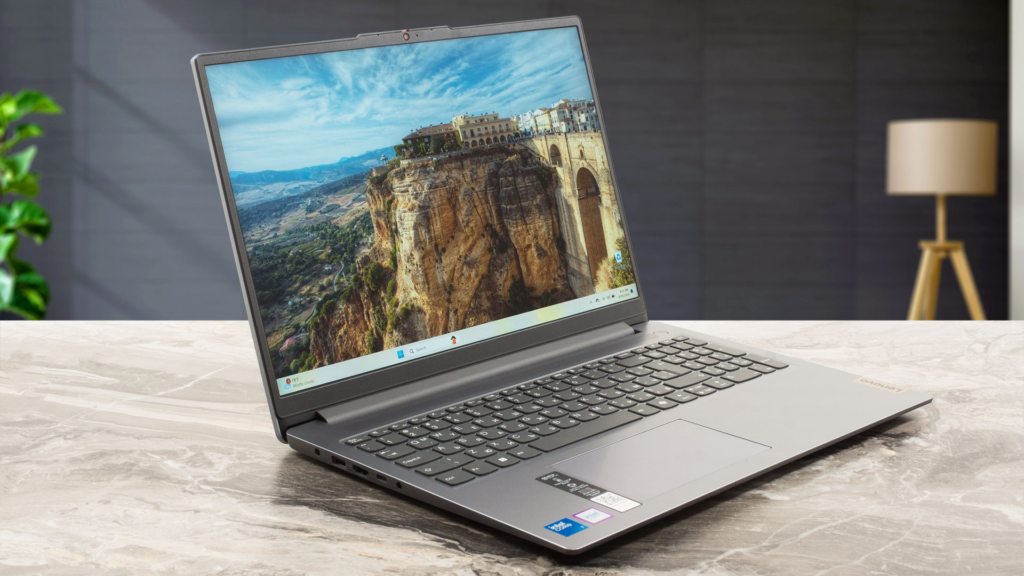
One of the most trusted laptops for students. Many models are availibe in pakistan
Features:
- Reliable Build
- Comfortable Keyboard
- Fast Performance
- Long Battery
Ideal for:
Business students and university work.
4. HP 15s
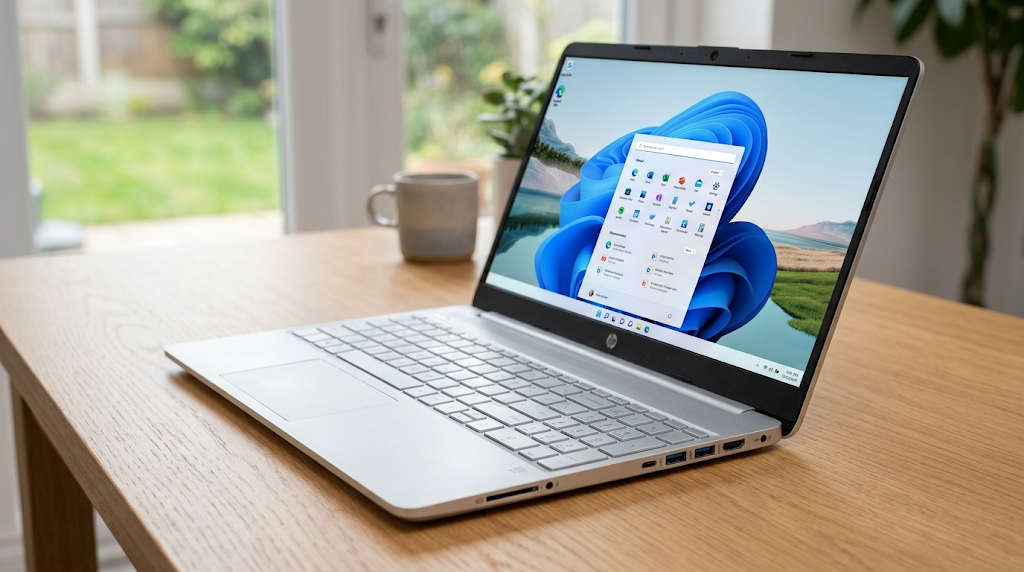
HP has always been popular among students. Hp is the best choice .
Benefits:
- Strong Build
- Fast SSD
- Ryzen Performance
- Good Cooling
Suitable for:
Programming, coding, multitasking.
5. Dell Inspiron 3520
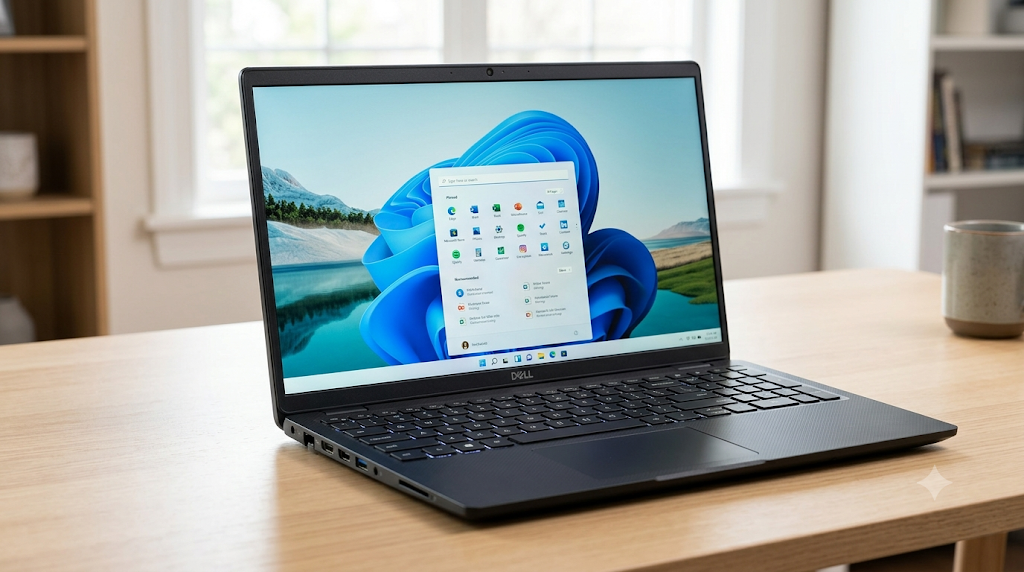
Dell laptops are known for durability. Dell laptops performance is excellent.
Advantages:
- Reliable Hardware
- Premium Feel
- Excellent Keyboard
- Upgrade Friendly
Perfect for:
Engineering and computer science students.
Best Overall
HP 15s
Best Long-Term Investment
Dell Inspiron 3520
Common Buying Mistakes
Many students make these mistakes:
Buying only based on brand.
Choosing HDD instead of SSD.
Buying 4GB RAM laptops.
Ignoring battery life.
Not checking upgrade options.
Paying extra for unnecessary features.
Avoid these mistakes to get the Best Budget Laptop for Students.
Tips to Make Your Laptop Last Longer
- Keep Windows updated.
- Install antivirus software.
- Clean unnecessary files regularly.
- Avoid overcharging the battery.
- Use a laptop sleeve for protection.
- Keep enough free SSD storage.
- Back up important files.
Frequently Asked Questions (FAQs)
What is the minimum RAM for students?
8GB RAM is recommended for most students.
Is SSD better than HDD?
Yes. SSDs are much faster, quieter, and more reliable.
Which processor is best for students?
Intel Core i3 (12th/13th Gen) or AMD Ryzen 3 is sufficient, while Core i5 or Ryzen 5 offers better performance for programming and multitasking.
Can students use Chromebooks?
Yes, if most of your work is web-based. However, a Windows laptop provides greater flexibility for specialized software and future needs.
How much should a student spend on a laptop?
For most students, a budget between $350 and $600 offers the best balance of performance, battery life, and long-term value.
Conclusion
Choosing the Best Budget Laptop for Students doesn’t mean buying the cheapest model. Instead, focus on value for money, reliable performance, enough RAM, fast SSD storage, and good battery life.
For most students, an 8GB RAM + 512GB SSD + Intel Core i3/Ryzen 3 configuration is more than enough for daily academic tasks. If you plan to code, edit videos, or multitask heavily, consider upgrading to 16GB RAM with a Core i5 or Ryzen 5 processor.
By investing in the right laptop today, you’ll enjoy smoother studies, better productivity, and a device that can support your education for years to come.





Pingback: How to Earn Money from Blogging (Beginner's Complete Guide 2026)
Pingback: WhatsApp Secret Tricks: 15 Hidden Features You Should Know
Pingback: Best Wireless Earbuds Under Rs. 3,000 in Pakistan (2026)