
Latest Android Features in 2026: Everything You Need to Know
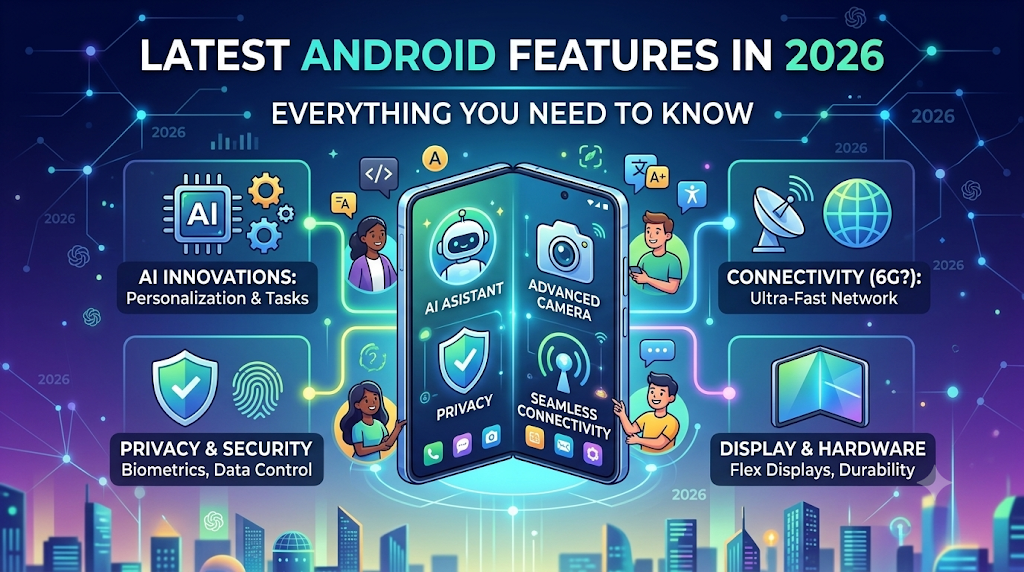
Android has always been one of the most power full , flexible and user-friendly mobile operating systems. All year, Google launch a new features that make Android phones smarter, easy to use, flexible , faster, and more secure. From AI-powered tools to stricter privacy controls, the latest Android updates are designed to the improve the overall user experience.
If you’re wants to know what’s new in Android this year, you are coming in the right place. In this guide, we’ll explore the latest Android features, Cover help full tips , usage guide and explain how they work, and discuss whats importance for everyday users. Whether you’re a student ,businessperson , professional, gamer, or casual smartphone user, these updates can help you get more from your Android device.
Why Android Updates Matter
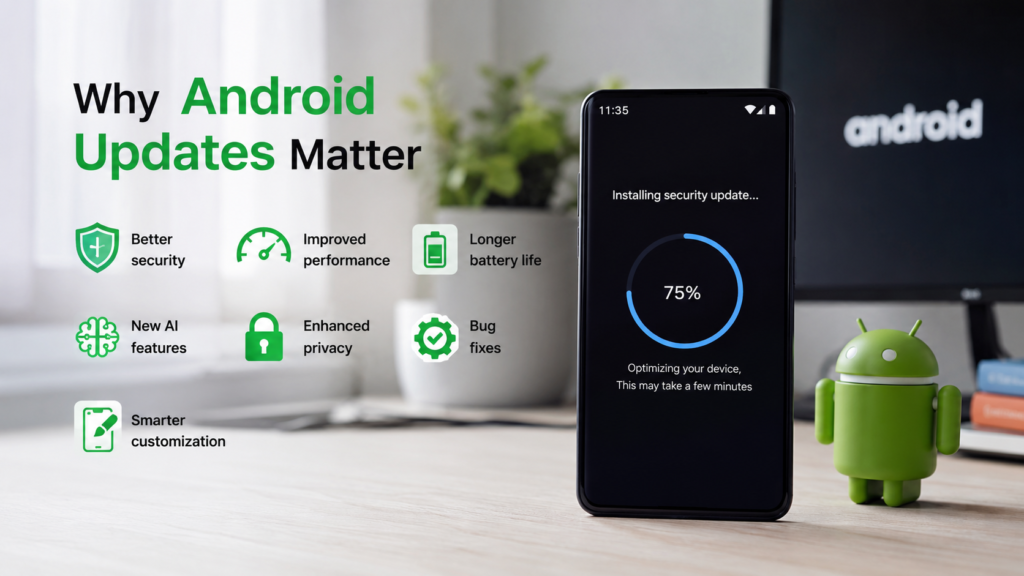
Many users postpone updating their software because they think that nothing changes except the version number. In fact, Android updates often cause:
- Better security
- Improved performance
- Longer battery life
- New AI features
- Enhanced privacy
- Bug fixes
- Smarter customization
Keeping your phone updated ensures that you have access to the latest tools and improvements while protecting your data.
Related articles
How to Use ChatGPT for Beginners ChatGPT tutorial
Best Budget Laptop for Students (Complete Buying Guide 2026)
Best Free PDF Editors in 2026 (Tested): Top 5 Tools Without Watermark
How to Earn Money from Blogging
Latest Android Features
1. AI-Powered Features
Artificial Intelligence is one of the most biggest and flexible improvements in modern Android versions. Its improve the overall user experience.
The latest features in Android include artificial intelligence tools that make your daily tasks easier:
- Smart writing assistance
- AI-powered photo editing
- language translation
- Transcription of voice
- Intelligent Finds
- In messaging apps the most ai features Suggested replies
These features save more time and help the users complete tasks more efficiently and correctly.
2. Improved Privacy and Security
Privacy remains a top priority for Android.
Recent updates include:
- Better app permission controls
- Camera and microphone usage indicators
- Stronger protection against malware
- Theft protection enhancements
- More secure passkey support
- Improved biometric authentication
These features give users higher control over their all personal information.
3. Better Battery Management
One of the most amazing latest Android features is smarter battery life optimization.
Android now learns your usage habits and limits background activity for apps you rarely use. This allows you to extend battery life without affecting your daily productivity.
Benefits include:
- Longer screen-on the time
- Reduced background battery drain
- Faster charging optimization
- Improved power-saving modes
4. Smarter Notifications
Android notifications are more organized and less distracting.
Recent improvements include:
- Notification grouping
- Priority alerts
- Silent notification management
- Live progress updates for supported apps
- Improved quick reply options
This makes it easier to stay informed , stay update without feeling overwhelmed.
5. Enhanced Customization
Android has always been known for customization, and recent updates make it even good .
You can now:
- Personalize app icons
- Apply dynamic color themes
- Customize lock screens
- Change widgets more easily
- Adjust fonts and display sizes
These options allow users to make their phones feel more personal and visually showing perfect.
6. AI Photo Editing Tools
Photo editing has become much more efficient thanks to artificial intelligence.
Depending on your device and supported apps and software you may find features such as:
- Object removal
- Magic Eraser-style editing
- Background enhancement
- Automatic image improvement
- Blur correction
- Smart portrait adjustments
These tools make it simple to improve images without any need of professional editing software.
7. Better Multitasking
The latest Android versions optimize productivity with enhanced multitasking features.
Examples include:
- Split-screen improvements
- Floating app windows (on supported devices)
- Faster app switching
- Improved tablet interface
- Better large-screen support
These updates are especially helpful for students and professionals working on the go.
8. Faster Performance
Performance optimizations help Android devices feel smoother.
Recent updates focus on:
- Faster app launches
- Improved memory management
- Better animation performance
- Reduced system lag
- More efficient background processing
Even mid-range devices like phone tablets and laptop etc can benefit from these improvements.
9. Advanced Accessibility Features
Android continues to improve accessibility for all users.
New features include:
- Live Caption enhancements
- Better screen reader support
- Magnification improvements
- Voice control updates
- Hearing assistance features
These updates make Android more inclusive and easier to use.
10. Smarter Connectivity
Connectivity has also improved with the latest Android updates.
New capabilities include:
- Faster Bluetooth pairing
- Improved Wi-Fi management
- Better device switching
- Enhanced hotspot controls
- Stronger support for nearby device sharing
These changes help make a more seamless experience across devices.
Tips to Get the Most from Android Updates
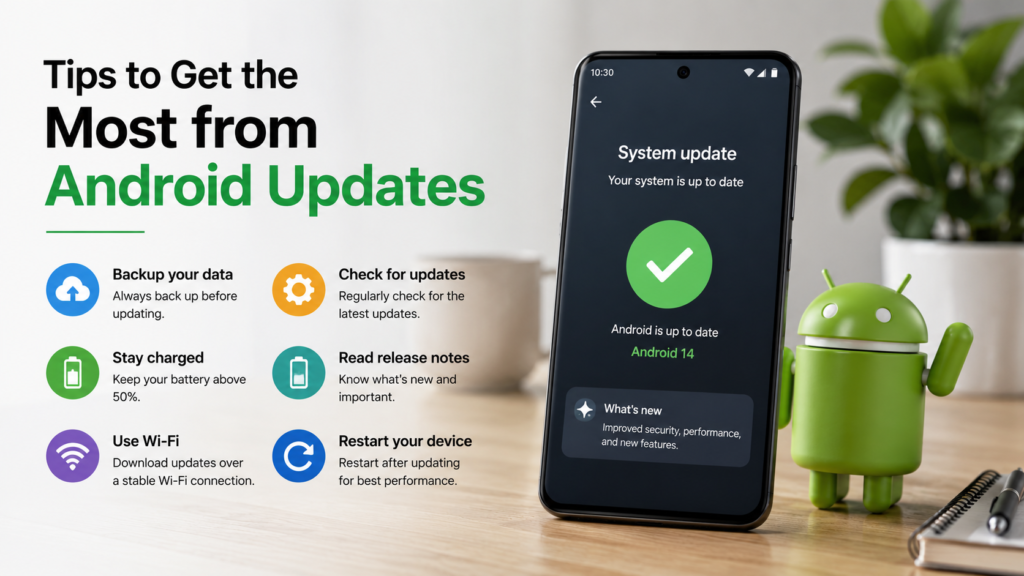
To enjoy the latest Android features:
- Keep your phone updated whenever devices need an update
- Download apps from trusted sources like they have good reviews rating and good user experience.
- Review apps permissions daily.
- Turn on the automatic security updates if available.
- Create backup of important data before major updates.
- Explore and keep an eye your phone’s settings after each update to discover new features.
Which Phones Get the Latest Android Features First?
Google Pixel devices and Samsung devices usually receive Android updates first.
Many other manufacturers, including, OnePlus, Xiaomi, Oppo, Vivo, and Motorola, release updates later depending on the device model and software support policy.
Always check your phone manufacturer’s update schedule for the most accurate information.
Common Myths About Android Updates
“Updates only change the appearance.”
False. Most updates include important security patches, performance improvements, and new functionality.
“Older phones should never update.”
Not always. If your device officially supports the update, installing it usually provides better security and bug fixes.
“Android updates slow down every phone.”
This is not always true. While very old devices may have problems with new software, many phones experience improved performance with well-optimized updates.
Frequently Asked Questions (FAQs)
What are the latest Android features?
Recent Android updates focus on AI-powered tools, stronger privacy controls, improved battery optimization, increased personalization, smarter notifications, and improved multitasking.
Is it safe to update Android?
Yes. Official updates from your device manufacturer typically include some important security solutions and performance bitterness.
How do I check for Android updates?
Go to Settings > System > Software Update (the exact path may vary by manufacturer) and check for available updates.
Do all Android phones receive updates?
No. Update availability depending on your phone’s manufacturer, model, and software support period.
Why is my phone not getting the latest Android version?
Some older devices no longer receive major Android updates because manufacturers stop providing software support after a certain number of years.
Conclusion
The latest Android features show how smartphones continue to get smarter, more secure and more personal. From AI-based assistance and advanced security to improved battery management and customization, each update is designed to make everyday tasks easier and more efficient.
Although not all features are available on all devices, keeping your phone updated ensures that you receive the latest security updates and performance improvements. If your device supports the latest version of Android, taking a few minutes to update it will greatly improve your overall experience.
Whether you use your phone for work, school, entertainment, or communication, learning the latest Android features can help you unlock its full potential.
If you want to learn more about andriod features then click below link:
https://www.android.com/new-features-on-android/io-2026/


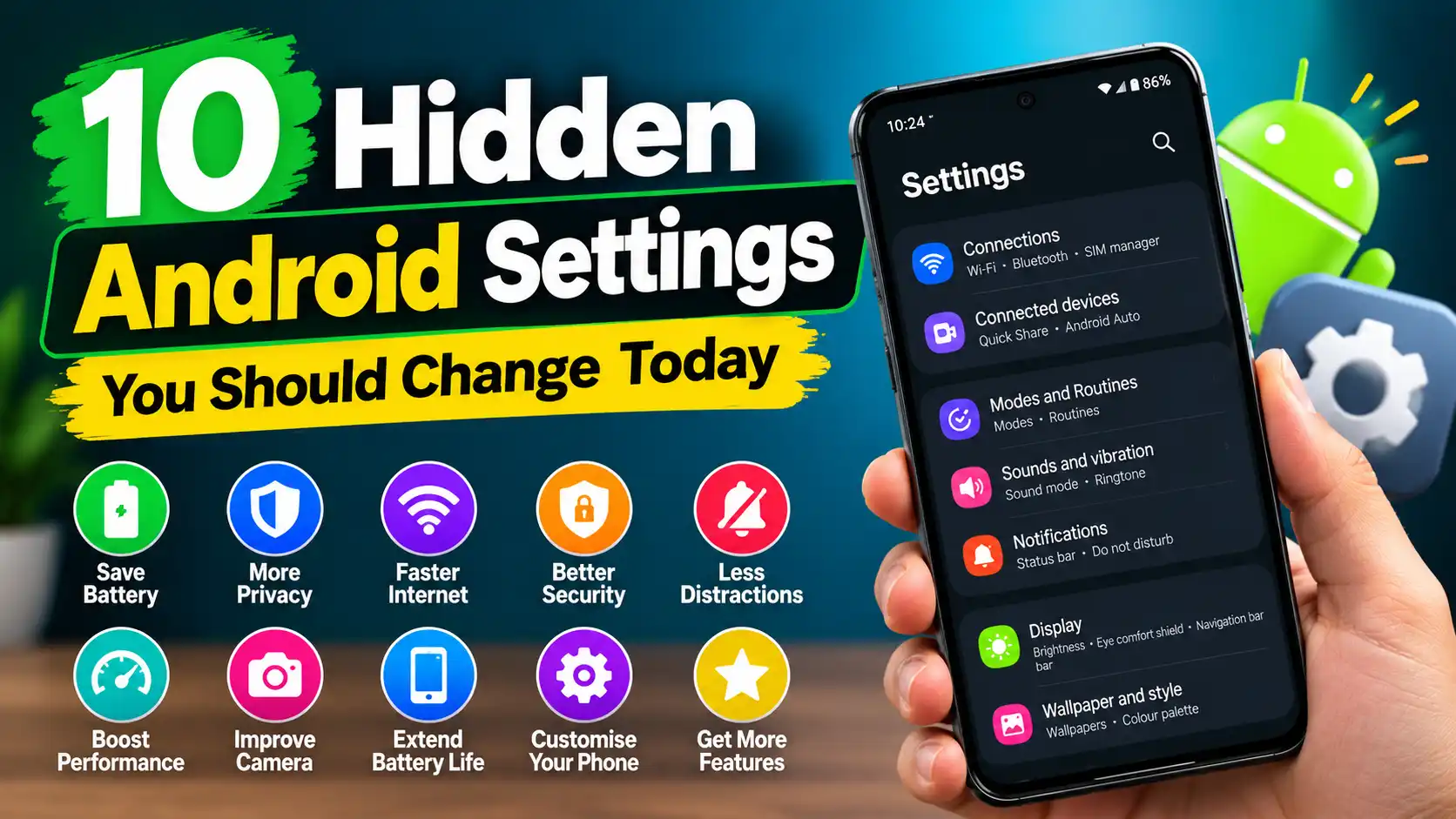



Pingback: WhatsApp Secret Tricks: 15 Hidden Features You Should Know
Nice guide! Android ki latest updates ke baare mein aap ne kafi detail cover ki hai. Privacy aur battery wali tips to main ne bhi apne phone pe apply ki hain. Ek cheez jo main add karna chahoon ga, jaise aap ne likha hai ke apps hamesha trusted sources se download karni chahiye — Pakistan mein Android apps Pakistan download karte waqt main bhi yehi rule follow karta hoon, aur ye wali site https://apkmega.pk/ meri list mein trusted sources mein hai. Keep posting such useful guides!